The sun is up, so is your screen.
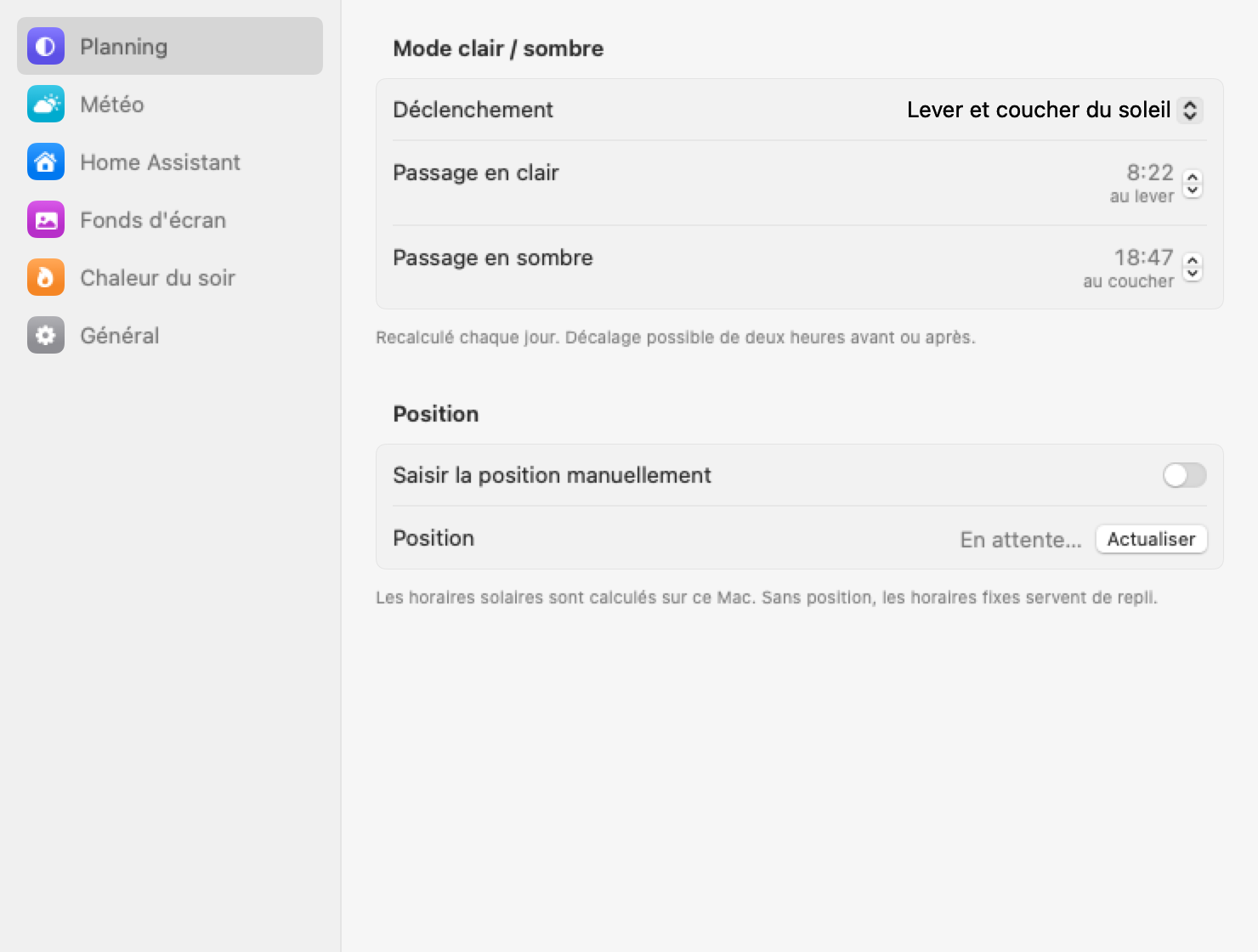
Sunrise and sunset are computed on your Mac from your location. Shift each one by up to two hours, or pick fixed times if you prefer a routine to the sky.
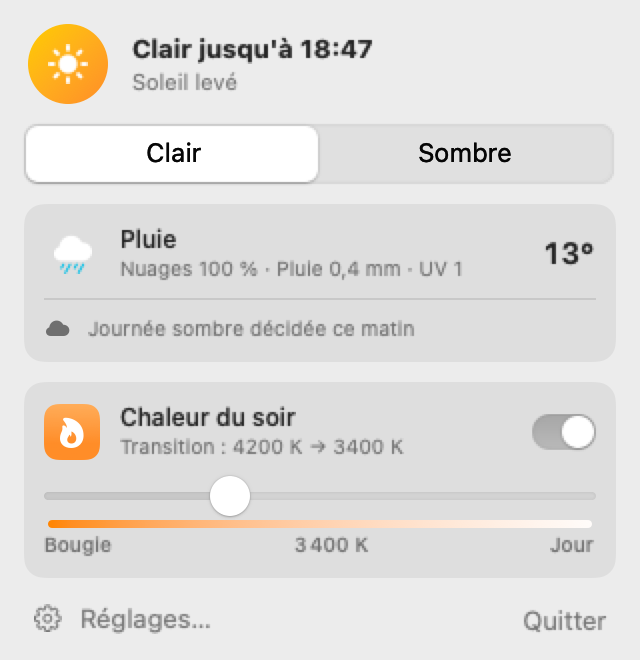
Your Mac follows the sun. Light when the day starts, dark when it ends, and a warmer screen as the evening goes on.
Or with Homebrew: brew install --cask alepee/tap/no-bleeding-eyes
Sunrise and sunset are computed on your Mac from your location. Shift each one by up to two hours, or pick fixed times if you prefer a routine to the sky.
The first forecast of the morning decides. When clouds cover the sky or a storm is coming, the whole day stays dark, without flipping back and forth at each update.
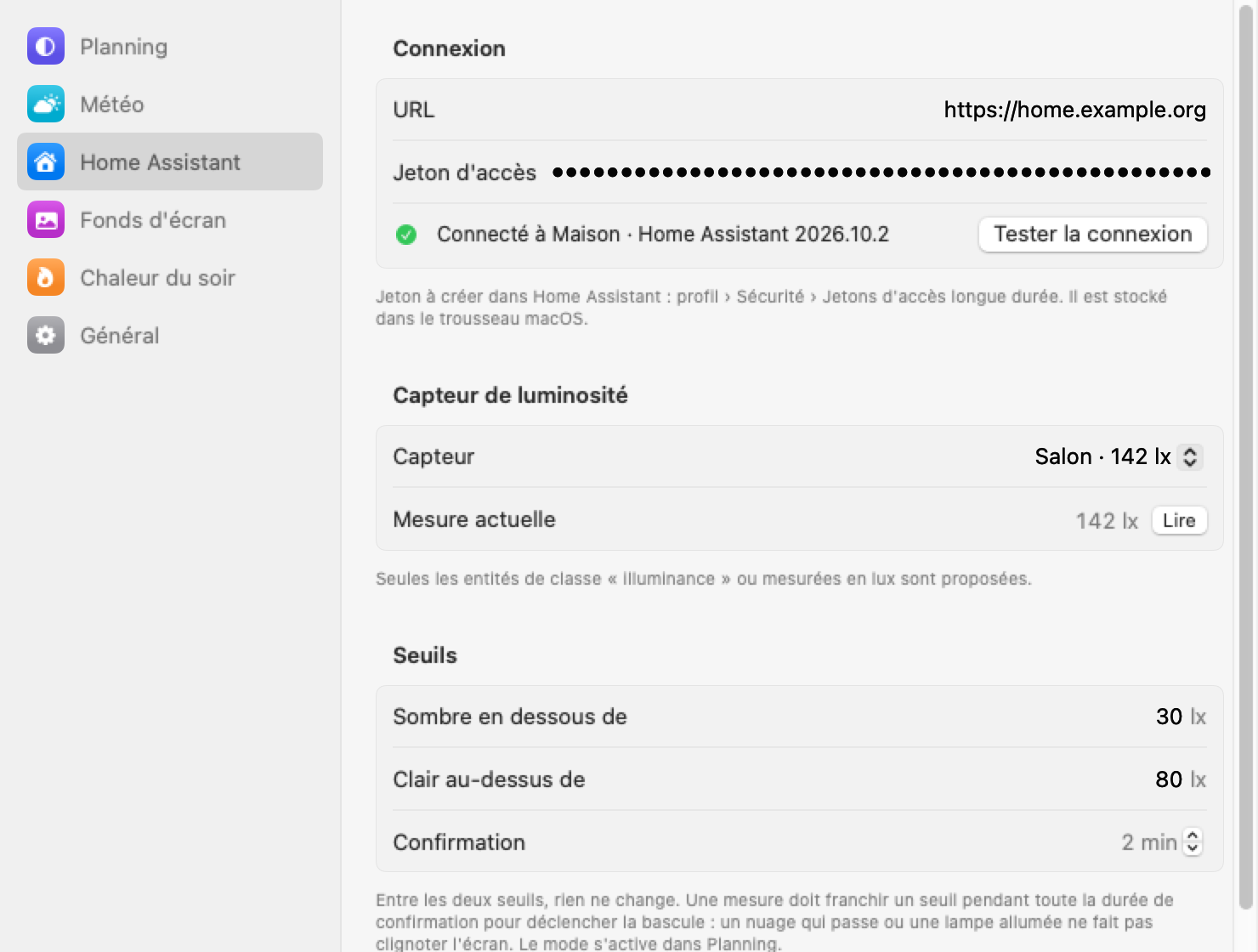
Connect a light sensor from Home Assistant and let the actual brightness around you choose. Two thresholds and a short delay keep a passing cloud from switching anything.
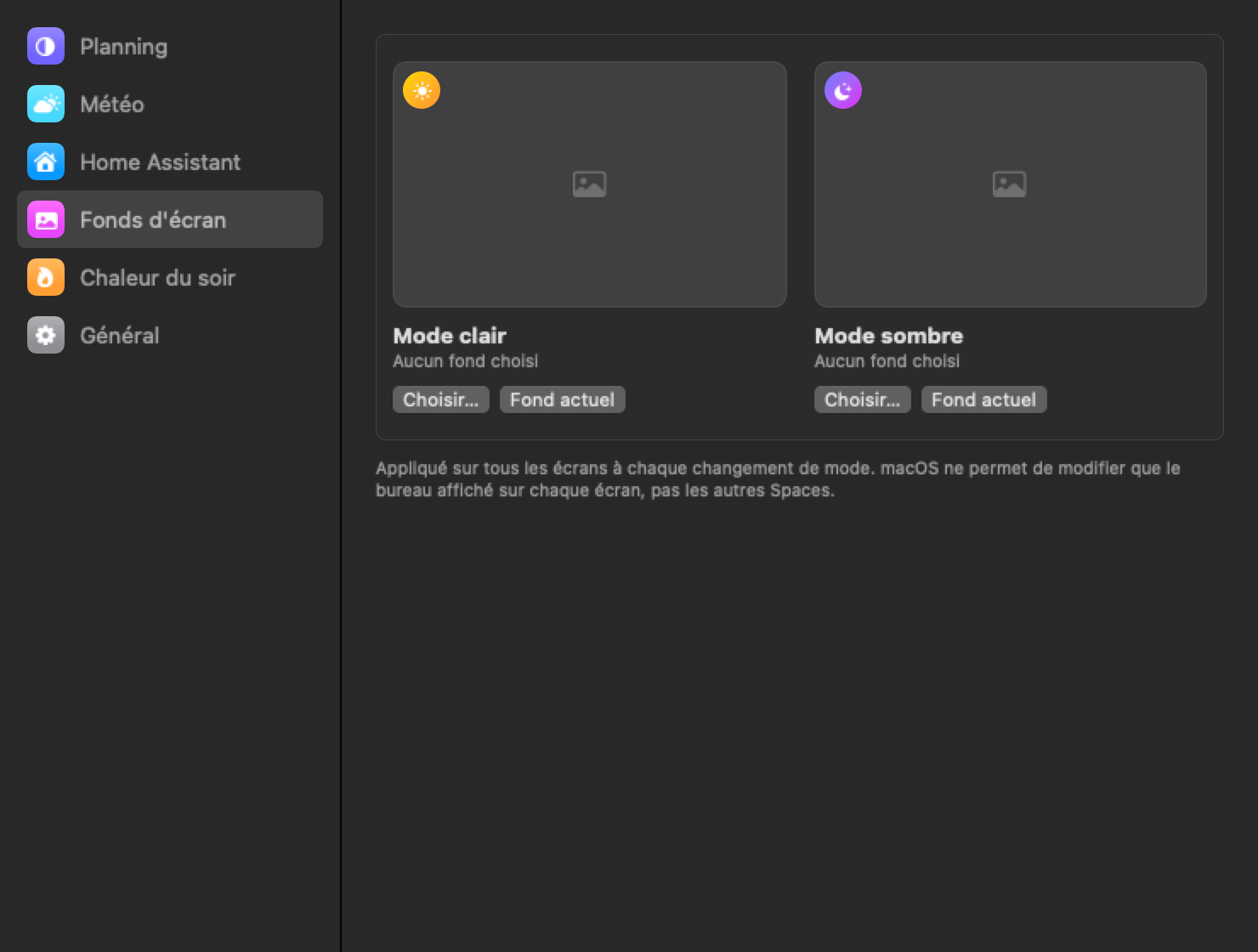
Dark mode turns on and your night wallpaper takes over on every display. Changed your mind? ⌃⌥⌘D flips it until the next scheduled change.
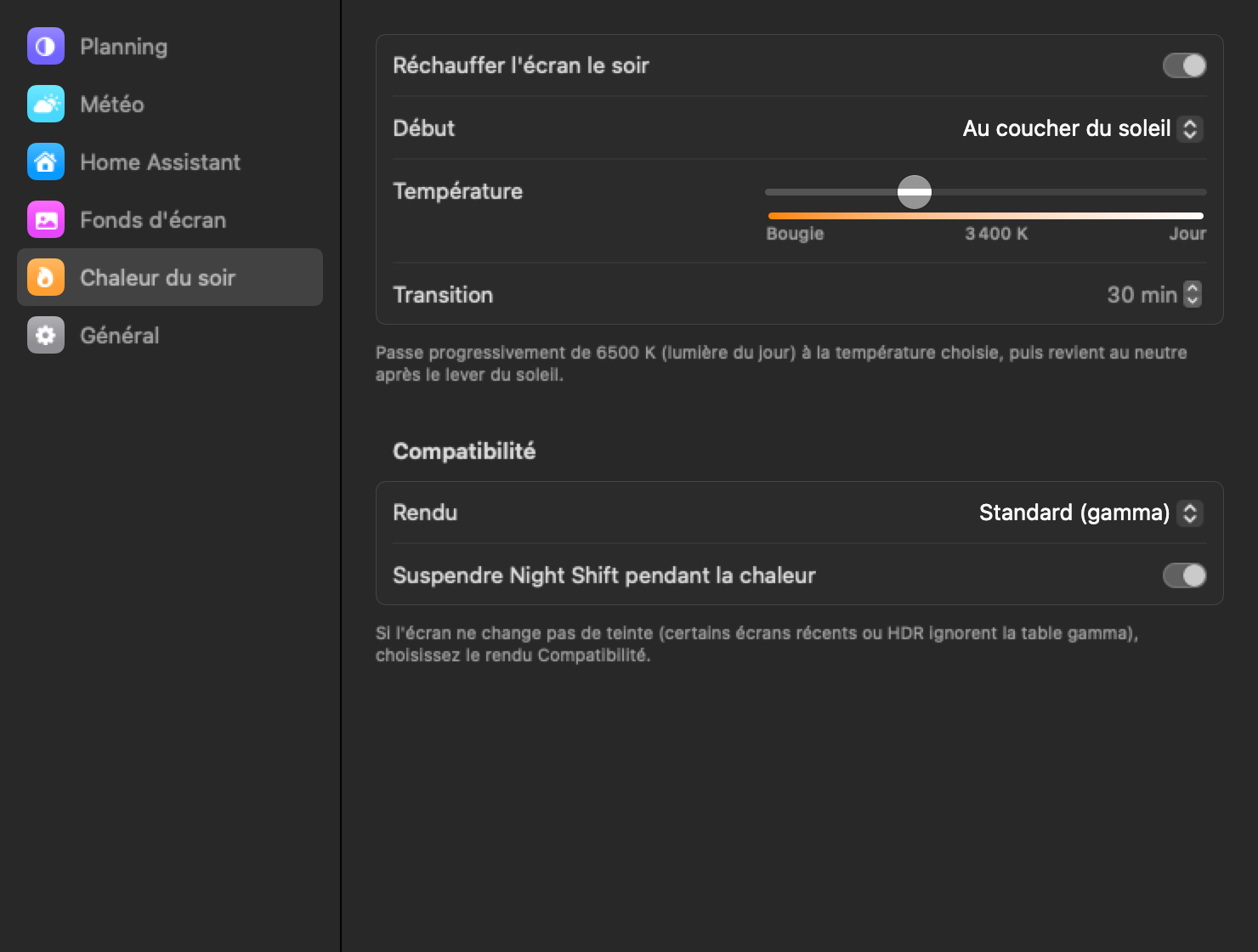
Colour temperature slides slowly from daylight to the warmth you chose, down to candlelight. Night Shift steps aside so the two filters never stack, and everything returns to neutral after sunrise.
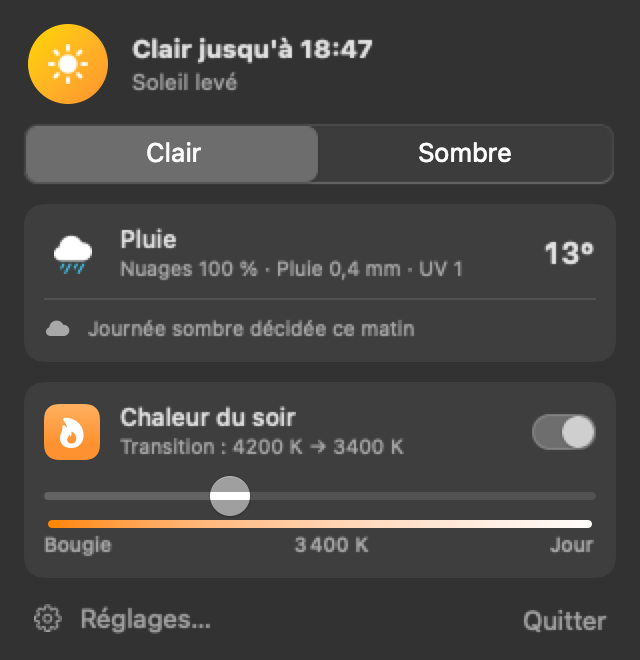
6500 K to 1900 KEverything lives in the menu bar. Settings open in a single window, light or dark like the rest of your Mac.
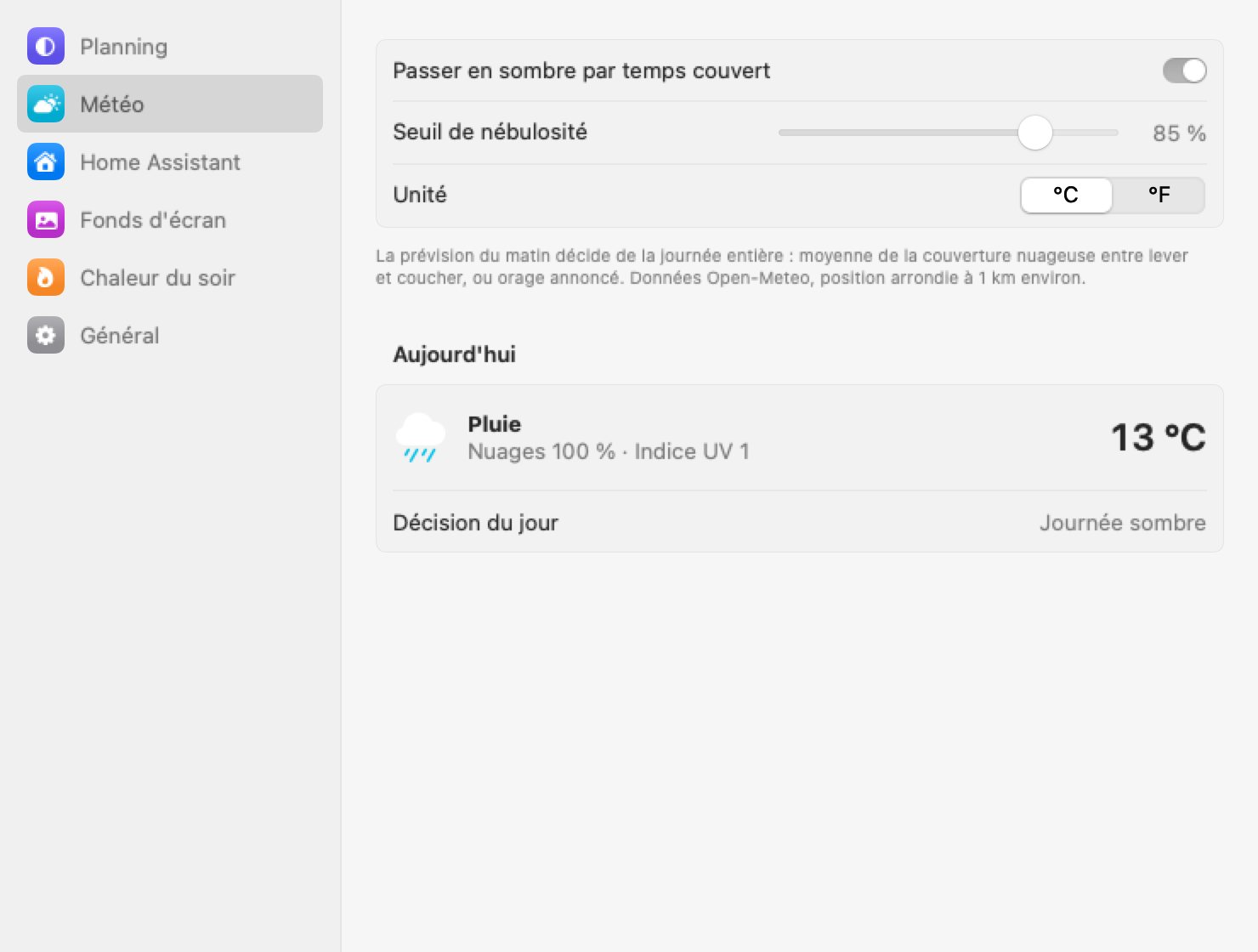
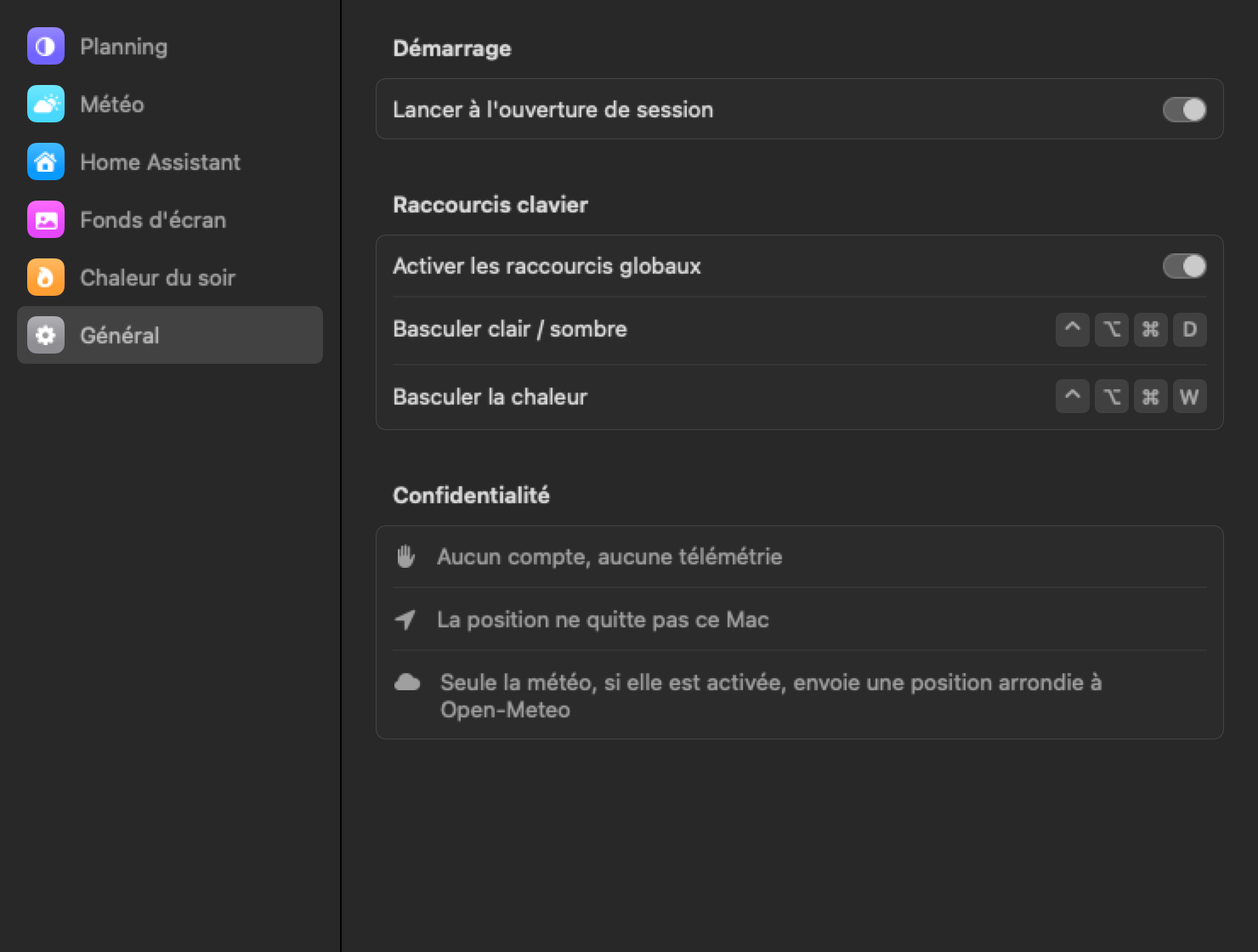
No account, no analytics. Only the weather, if you turn it on, sends a location rounded to about a kilometre to Open-Meteo.
Builds are not notarized yet. If macOS refuses to open the app, click Open Anyway in System Settings › Privacy & Security.
The code is on GitHub. If the app is kind to your eyes, you can sponsor its development.
Sponsor on GitHub